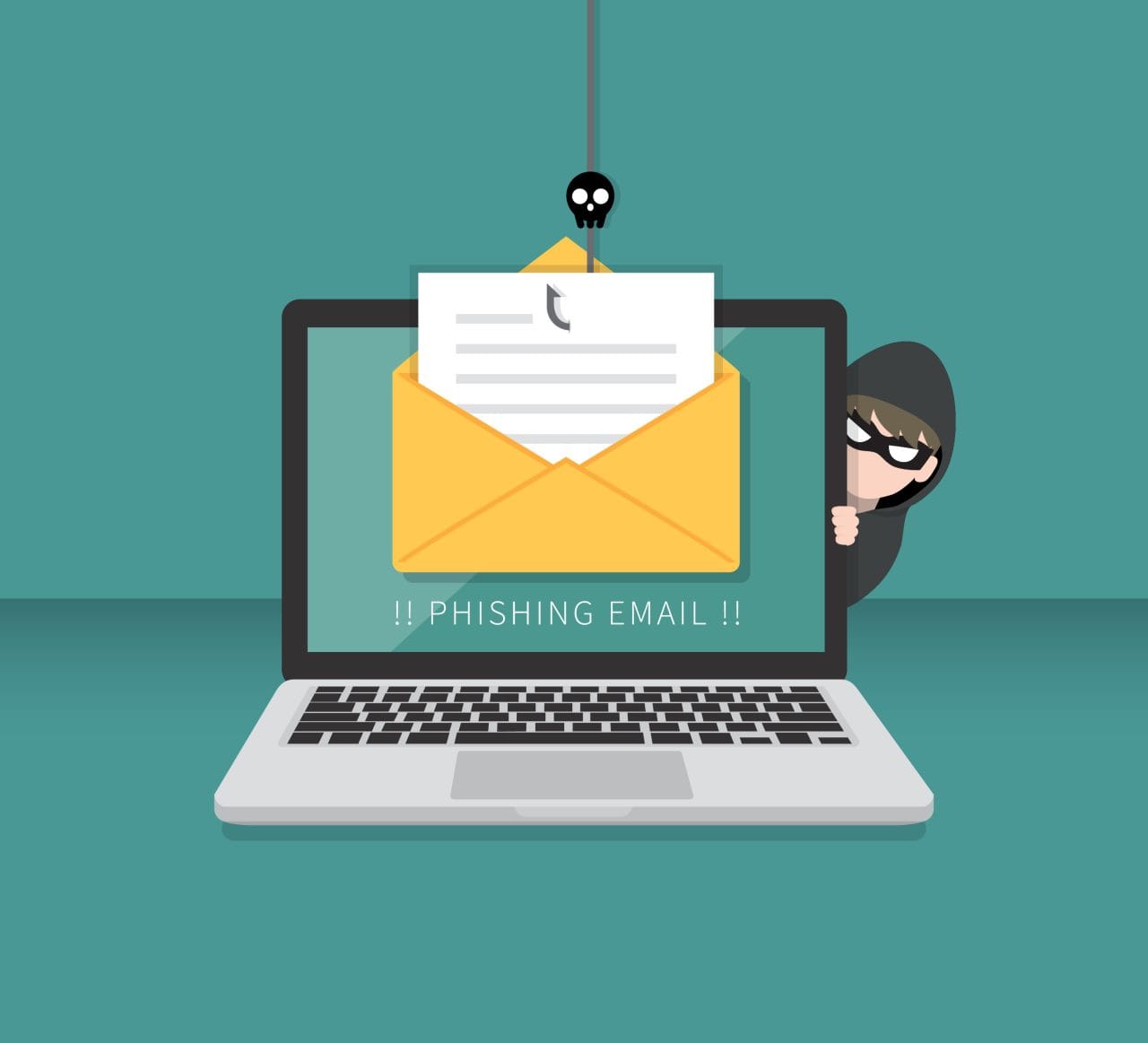
In today’s digital world, phishing emails remain one of the most common tactics cybercriminals use to steal personal information, financial data, and even access to sensitive accounts. These fraudulent messages are designed to trick you into providing valuable information by masquerading as legitimate communications. Protecting yourself from phishing scams is crucial to safeguarding your privacy and financial well-being. Here are the key steps you can take to stay safe.
1. Understand What Phishing Emails Are
Phishing emails are fraudulent messages that appear to come from a trusted source, such as your bank, a government agency, or a major company. These emails often include urgent requests, alarming language, or enticing offers designed to manipulate your emotions and prompt immediate action. Common phishing tactics include fake links, malicious attachments, and requests for sensitive information like passwords or credit card details.
2. Spot the Red Flags
Identifying phishing emails is your first line of defense. Here are some red flags to watch for:
- Generic Greetings: Legitimate organizations often address you by your real name, while phishing emails may use generic terms like “Dear Customer.”
- Spelling and Grammar Errors: Many phishing emails contain noticeable typos or awkward language.
- Suspicious Links or Attachments: Hover over links to check the URL before clicking; if it looks suspicious or doesn’t match the organization’s official website, don’t click it.
- Urgent or Threatening Language: Phrases like “Your account will be suspended” or “Act now to avoid penalties” are common in phishing schemes.
- Unsolicited Requests for Personal Information: Legitimate companies rarely ask for sensitive details via email.
3. Verify the Sender
Before taking any action, confirm the legitimacy of the email. If you’re unsure, contact the organization directly using official contact information from their website—not the contact details provided in the email. Never reply to suspicious emails or provide any personal information without verification.
4. Use Email Security Features
Many email providers offer built-in tools to help identify and block phishing attempts. Enable spam filters and report suspicious emails to your email provider. Additionally, consider using email services with advanced security features to further protect yourself.
5. Keep Your Software Updated
Outdated software can leave you vulnerable to cyberattacks. Regularly update your operating system, email client, and antivirus software to ensure you’re protected against the latest threats. Many phishing emails attempt to exploit outdated software vulnerabilities.
6. Educate Yourself and Others
Knowledge is power. Stay informed about the latest phishing tactics and share what you learn with friends, family, and colleagues. Teaching others how to recognize phishing emails can help create a safer digital environment for everyone.
7. Enable Two-Factor Authentication
Two-factor authentication (2FA) adds an extra layer of security to your online accounts. Even if a phishing attempt compromises your password, 2FA makes it significantly harder for cybercriminals to gain access.
8. When in Doubt, Delete
If an email raises any suspicion, it’s better to err on the side of caution and delete it. Avoid clicking links, downloading attachments, or replying to emails that seem even slightly questionable.
Conclusion
Phishing emails are a persistent threat, but with vigilance and the right precautions, you can significantly reduce your risk of falling victim to these scams. By staying informed, verifying senders, using security features, and practicing good digital hygiene, you can protect your personal information and enjoy a safer online experience. Remember: when it comes to suspicious emails, trust your instincts and think twice before you click.